

The six components below exist and work on the canvas today. The plugin isn’t published to the Rhino Package Manager yet — install it from the setup program below in the meantime.
Download the Grasshopper plugin
Get the installer for the Real-Time LCA Grasshopper plugin.
https://api.realtimelca.com) and is built as a native .gha add-on using the Speckle SDK.
Six components have been developed so far. Used together, they form a pipeline: log in, hold the resulting account, pick a project and model, attach LCA data to your geometry, then send it.
How to
Install the plugin
1
Run the installer and accept the license
Launch the RTLCA Speckle for Grasshopper setup program and accept the Apache License 2.0 agreement.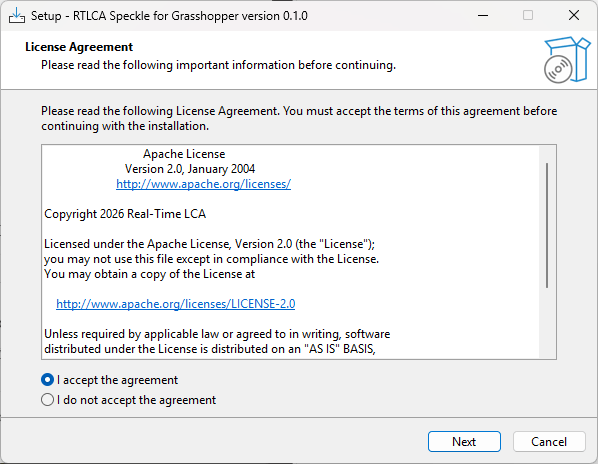
2
Install
Click Install on the Ready to Install screen.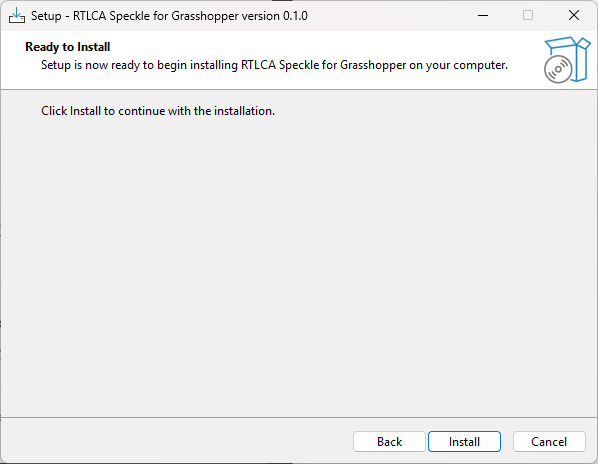
3
Finish
Click Finish once setup completes.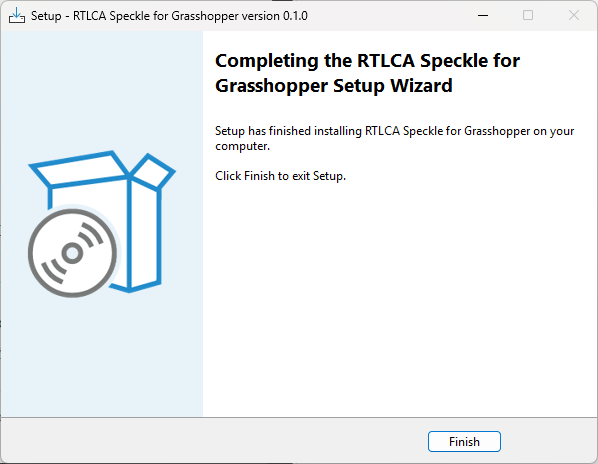
4
Check Grasshopper
Open (or restart) Grasshopper. A new RTLCA tab appears on the ribbon with two icon groups — one for Login, Account, and Speckle Project & Model, and one for LCA Object, LCA Layer, and Speckle Send.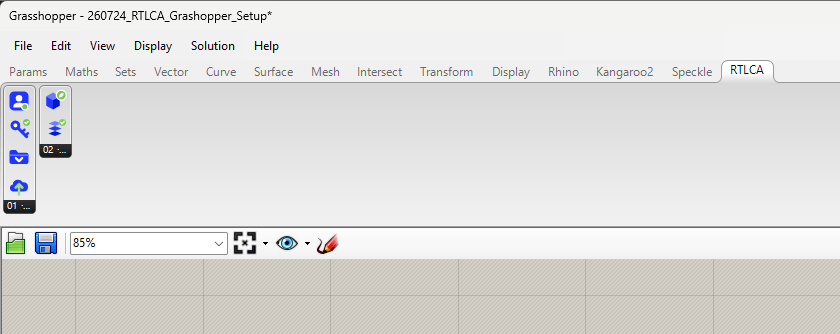
Use the example script
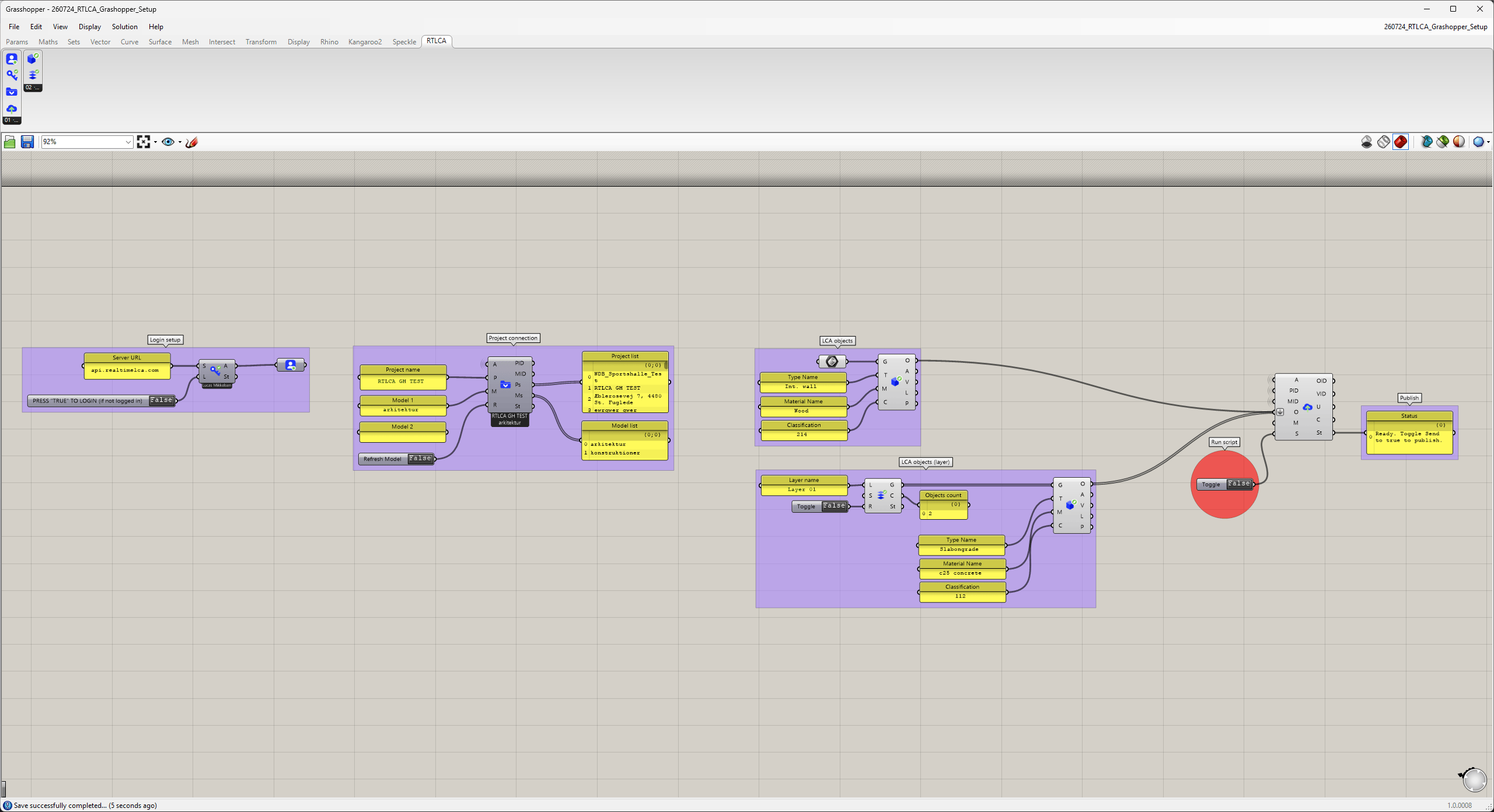
An example definition wiring all six components together
.gh definition ties all six components together and doubles as a quick way to test your installation. It’s organized into labeled groups you can copy into your own definitions:
- Login setup — a Server URL panel (
api.realtimelca.com) feeds the Login component, and a boolean toggle underneath it (“PRESS ‘TRUE’ TO LOGIN (if not logged in)”) triggers the sign-in flow. The resulting Account feeds every group to its right. - Project connection — text panels for the project name (e.g.
RTLCA GH TEST) and one or more model names (e.g.arkitektur,konstruktioner) feed the Speckle Project & Model component. “Project list” and “Model list” panels display everything your account can see, so you can confirm you’re pointed at the right stream, and a Refresh Model toggle re-fetches them. - LCA objects — panels for Type, Material, and Classification (e.g.
Int. wall,Wood,214) feed an LCA Object component directly, for geometry you tag by hand. - LCA objects (layer) — a Layer name panel (e.g.
Layer 01) and a toggle feed the LCA Layer component, which reports how many objects it found on that layer (“Objects count”). Its Geometry and Classification outputs then feed a second LCA Object component alongside their own Type and Material panels (e.g.Slabongrade,c25 concrete), so layer-derived objects get the same treatment as manually tagged ones. - Publish — both LCA Object outputs, the Account, and the selected Project/Model ID feed the Speckle Send component. A toggle labeled “Run script” triggers the send, and a Status panel reports progress — it reads “Ready. Toggle Send to true to publish.” until you flip it.
Download the sample script
Get a
.gh file wiring all six components together into a complete pipeline.Login
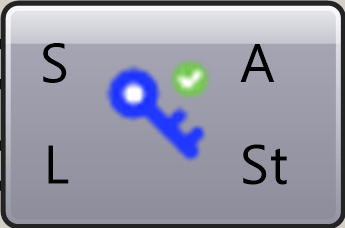
S) and a Login trigger (L), opens the standard Speckle sign-in flow, and outputs the resulting Account (A) plus a status message (St). This is the first component in a definition.
Account

Speckle Project & Model
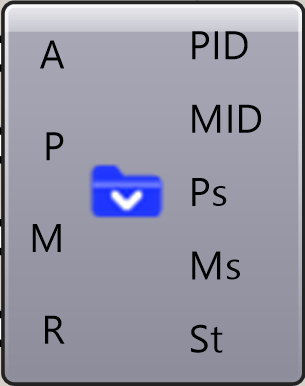
A) and lets you filter by project (P) and model (M) name, with a refresh input (R) to re-fetch the lists. It outputs the matching Project ID (PID) and Model ID (MID) — used by the Send component — alongside the full lists of available projects (Ps) and models (Ms) and a status message (St).
LCA Object
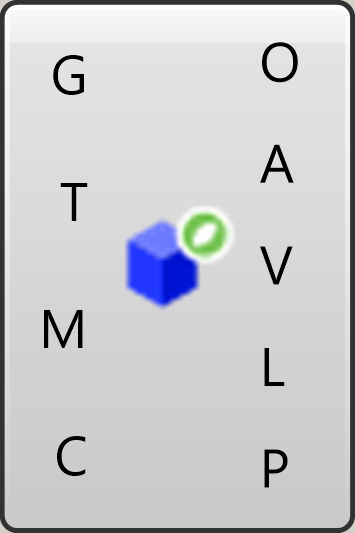
G) — Type (T), Material (M), and Classification (C) — and packages it into an LCA object (O) ready to send. It also extracts the geometrical quantities Real-Time LCA needs for the calculation directly from the geometry: Area (A), Volume (V), Length (L), and Piece count (P).
LCA Layer
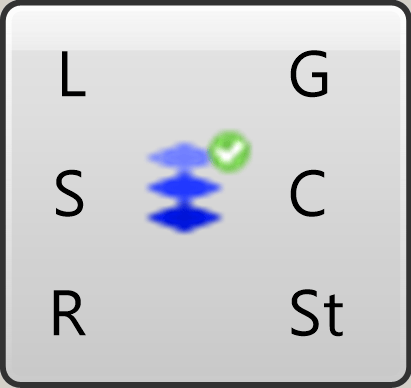
L), optionally including sub-layers (S) and recursing through nested layers (R), and derives the Geometry (G) and Classification (C) from the layer structure itself, plus a status output (St). Useful when a model is already organized into layers that match your classification system.
Speckle Send
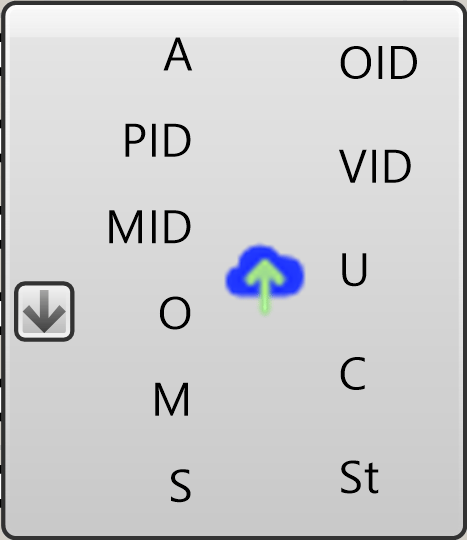
O) to the target project (PID) and model (MID) using your Account (A), with an optional commit message (M) and a Send trigger (S). Once sent, it returns the resulting Object ID (OID), Version ID (VID), a URL (U) to view the commit on the Speckle web app, commit info (C), and a status message (St). This is the component that pushes your definition’s output into the Real-Time LCA project.
Until packaging/distribution is finished, you can also drive Real-Time LCA from Grasshopper by publishing through the Speckle Connector for Rhino — see Rhino.