

- Verified EPDs — backed by a real Environmental Product Declaration document. Use this when you have the EPD PDF and its declaration number.
- Non-verified (Custom) — built from values you enter manually. Use this for early-phase estimates or when no EPD exists yet.
Open the Create Material form
Click New in the top-right of the Library and choose Material.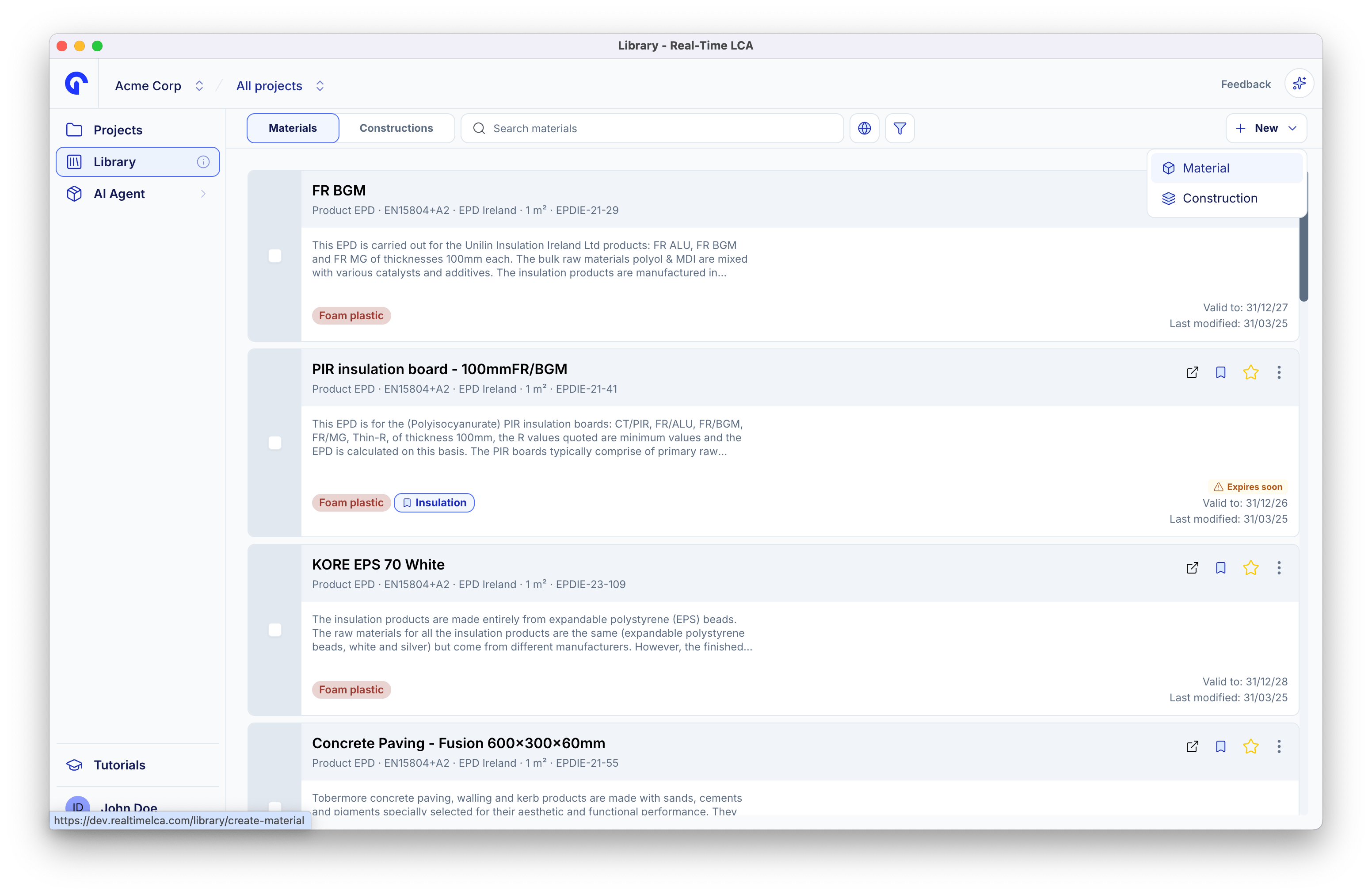
The New menu on the Library toolbar
Choose the right type
Extract From PDF
Have the EPD document? Let the AI read it and fill the form for you.
Verified EPDs
Add a published EPD with the source URL, declaration number, and document.
Non-verified (Custom)
Add a custom material with manually entered indicator values.