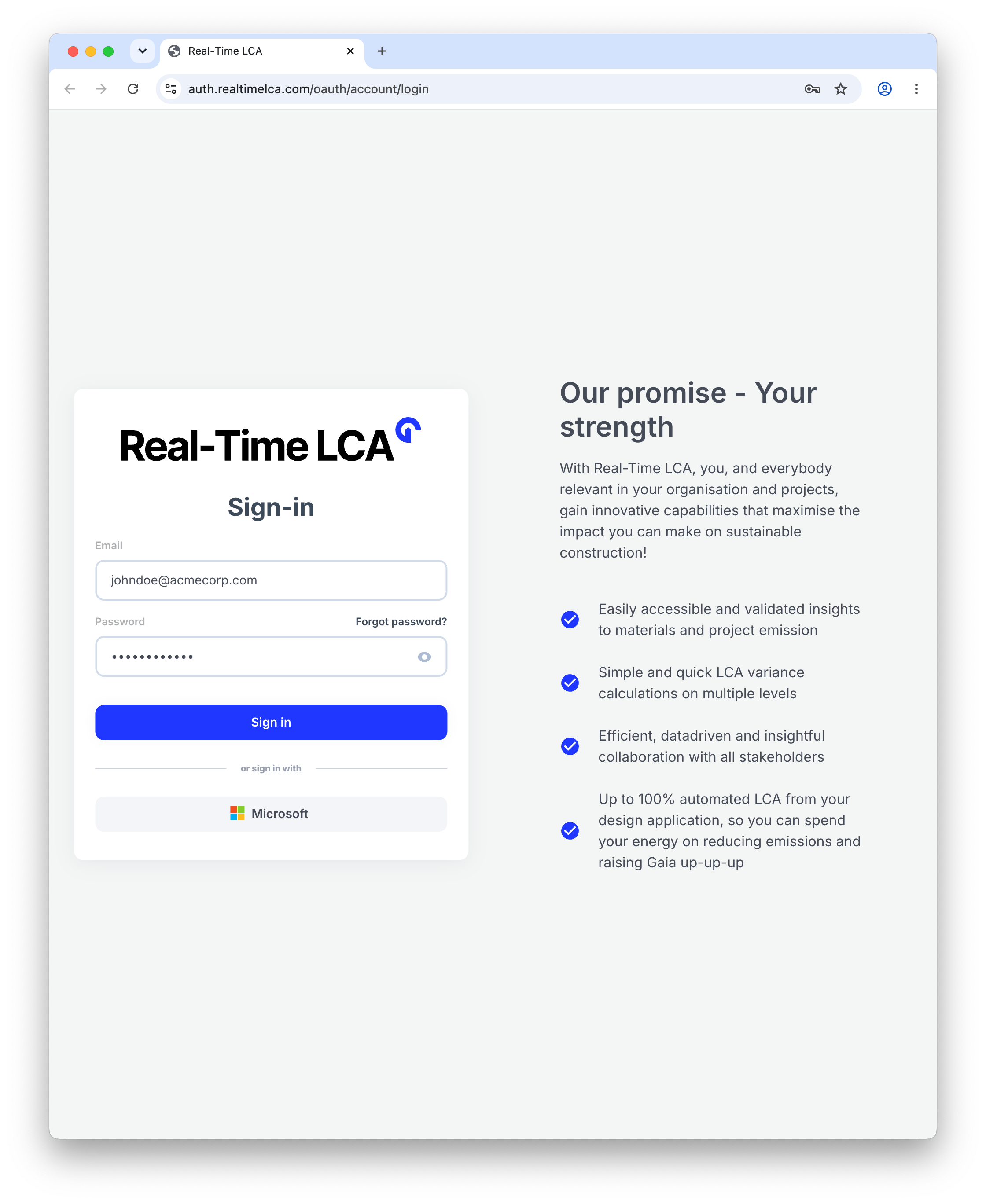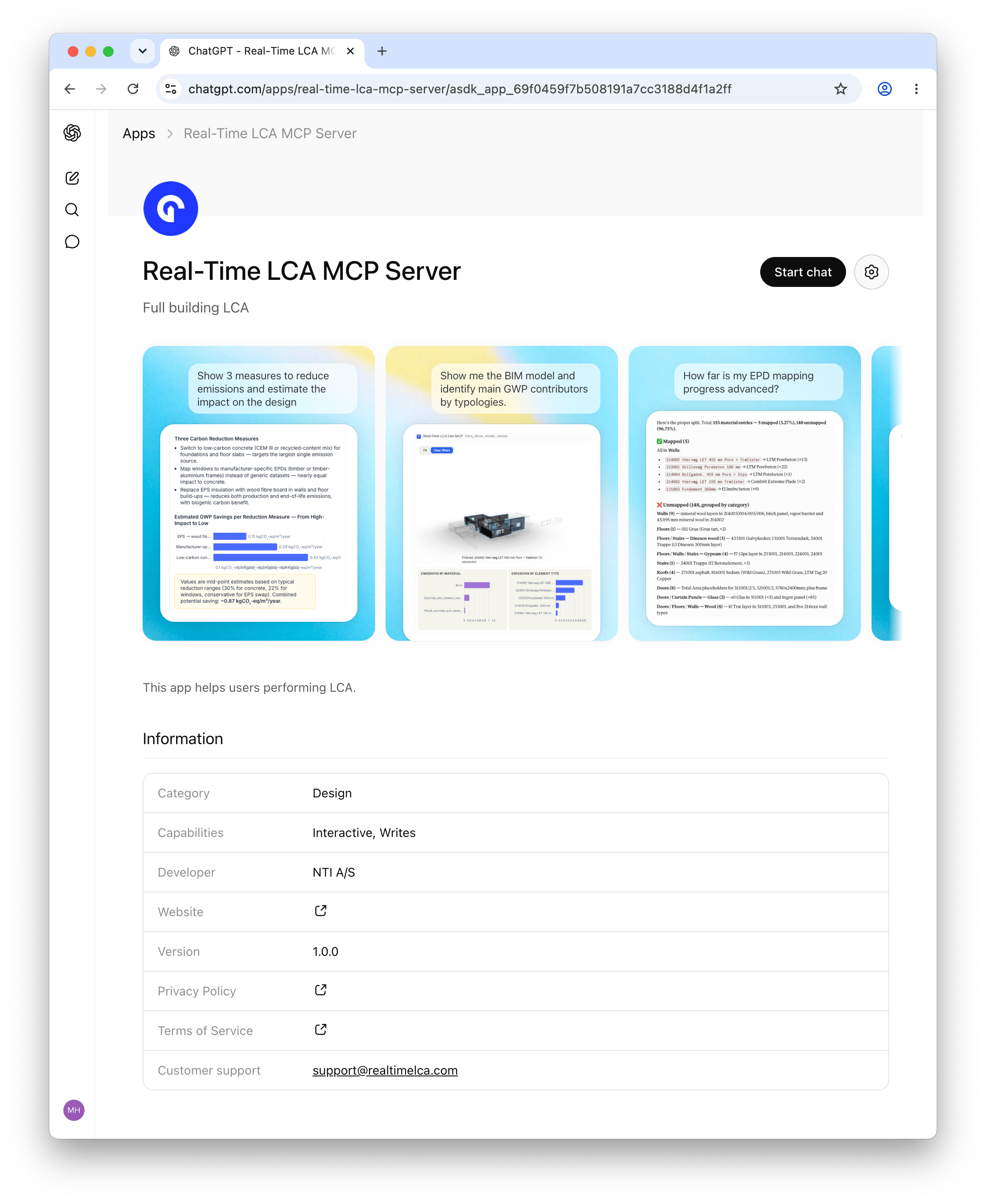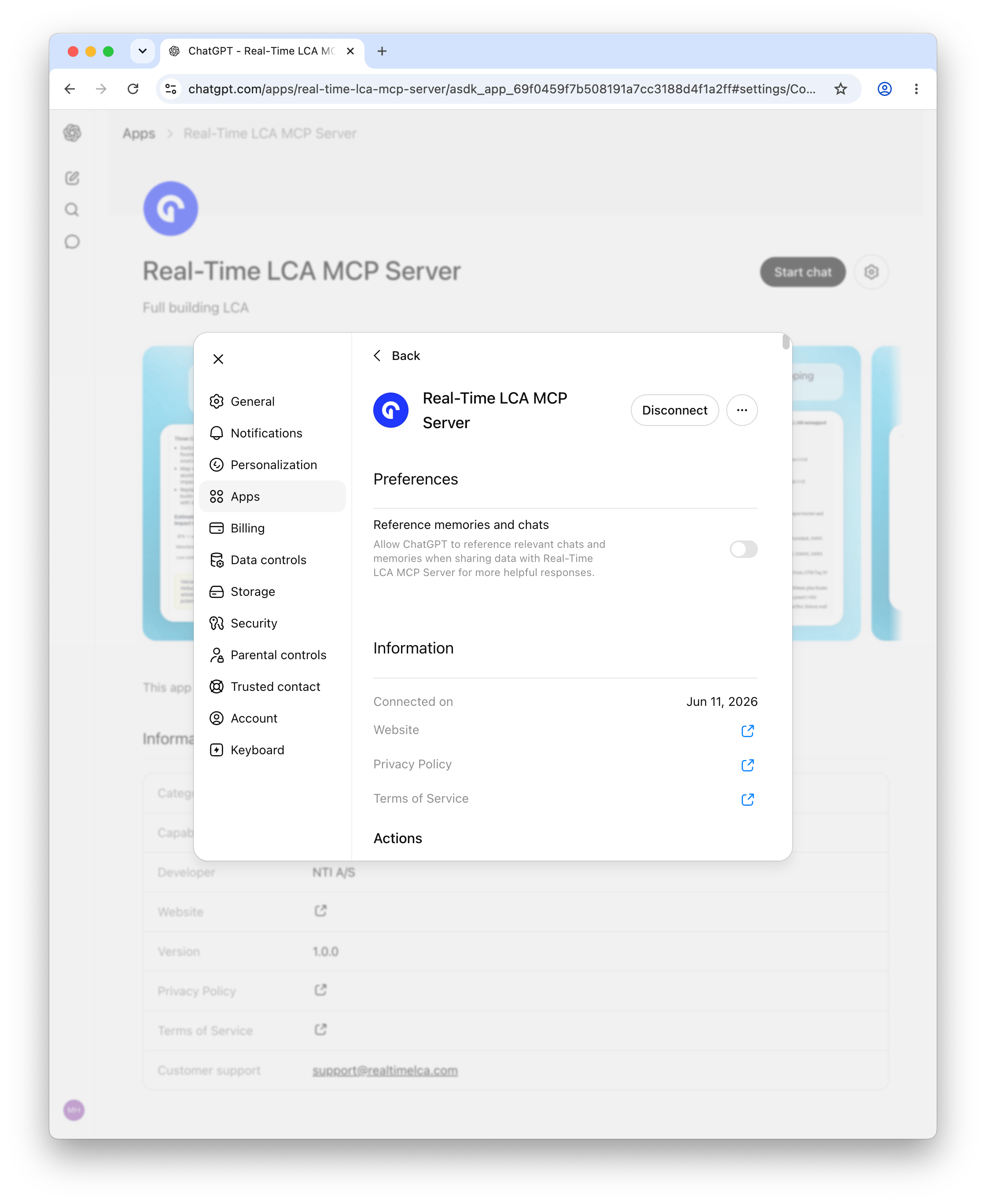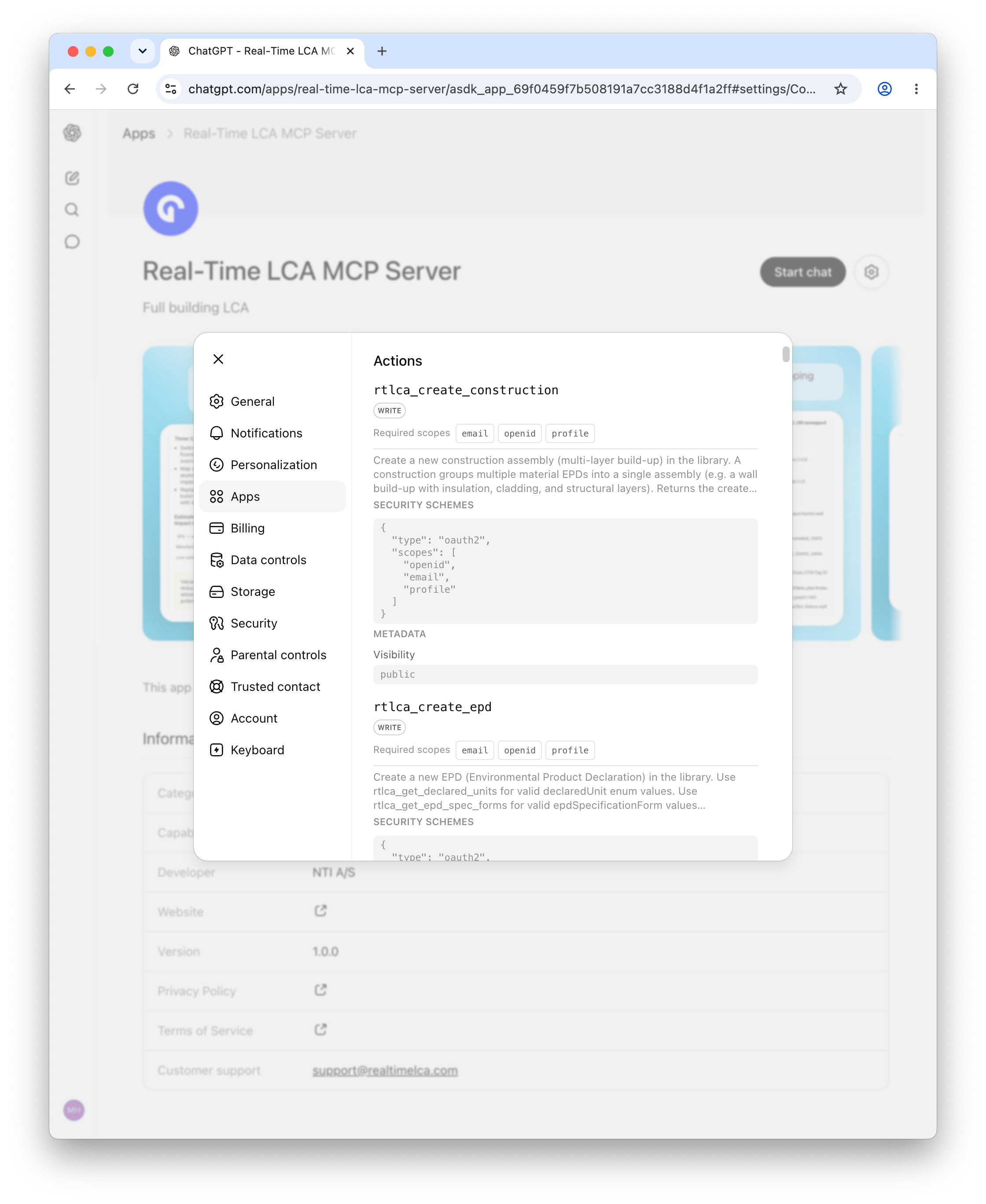

https://mcp.realtimelca.com/mcp) and authenticates with your Real-Time
LCA account via OAuth — no API key, no token to paste.
Using Autodesk Forma or Revit tools? See
Connect to RTLCA × Autodesk — it uses a
different endpoint and requires an Autodesk account + active Forma hub.
Connecting an external AI client sends your project data to that client
and its underlying model provider, so how it’s handled depends on the
client you choose. See Transparency & privacy
for the full picture across every AI feature.
- Claude.ai
- Claude Desktop
- Claude Code
- Codex
- Cursor
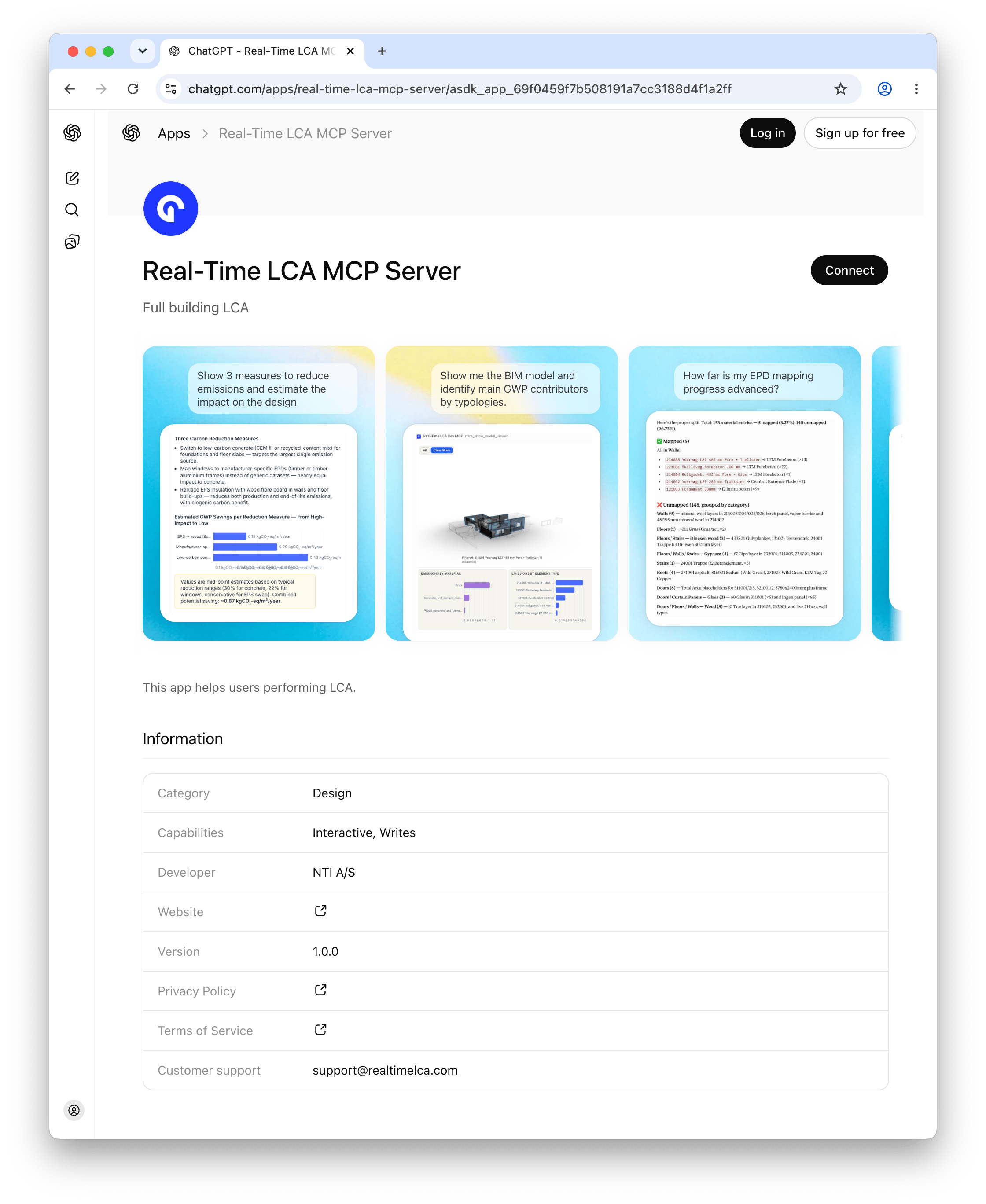
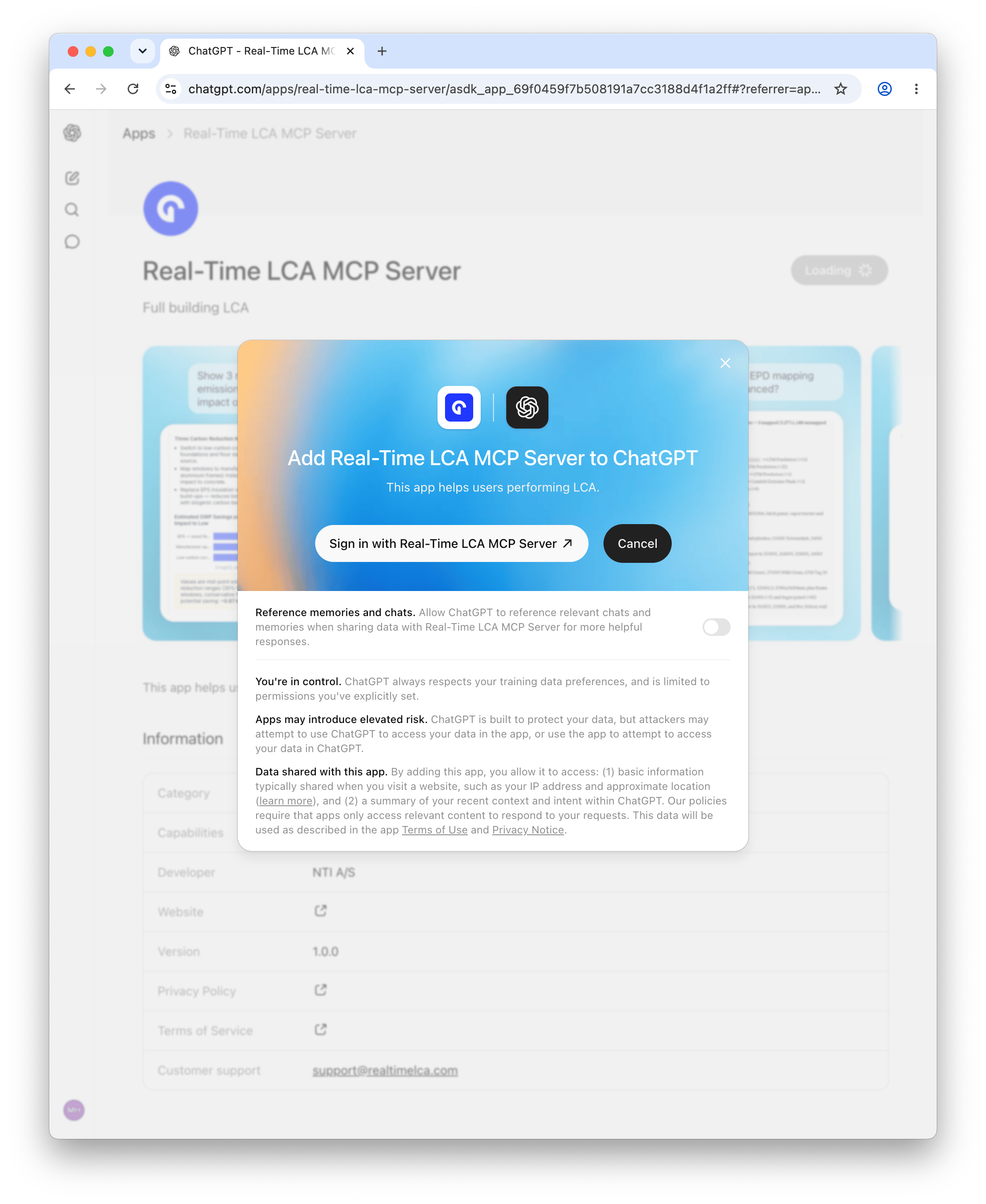
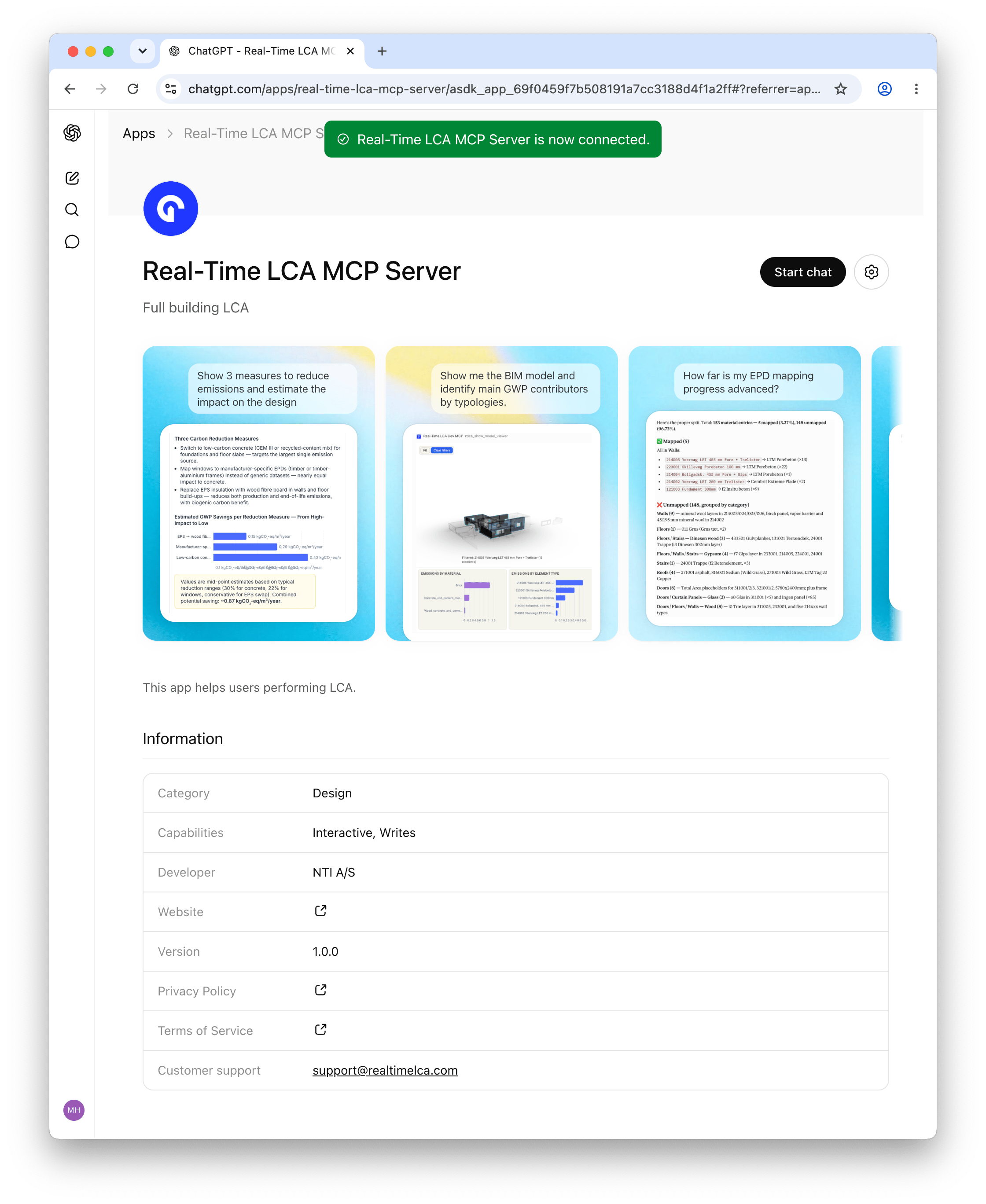
- ChatGPT
- Mistral Le Chat
- LM Studio
Connect the Claude web app at claude.ai. Works in
any browser — no Claude Desktop install required.
Prerequisites
- Claude account
- Real-Time LCA account
- On Team or Enterprise plans, you need to be an admin to add servers
1
Open the Connectors page
2
Add a custom connector
Click the + sign → Add custom connector. Paste the URL:
3
Authenticate the MCP server
Complete any authentication steps Claude prompts for, signing in with your Real-Time LCA account.
4
Mention RTLCA in a chat
The next time you mention RTLCA in a chat, Claude will detect
the connector and ask you for permission to execute tools.