

The skills library
Open AI Agent from the left rail and select Skills.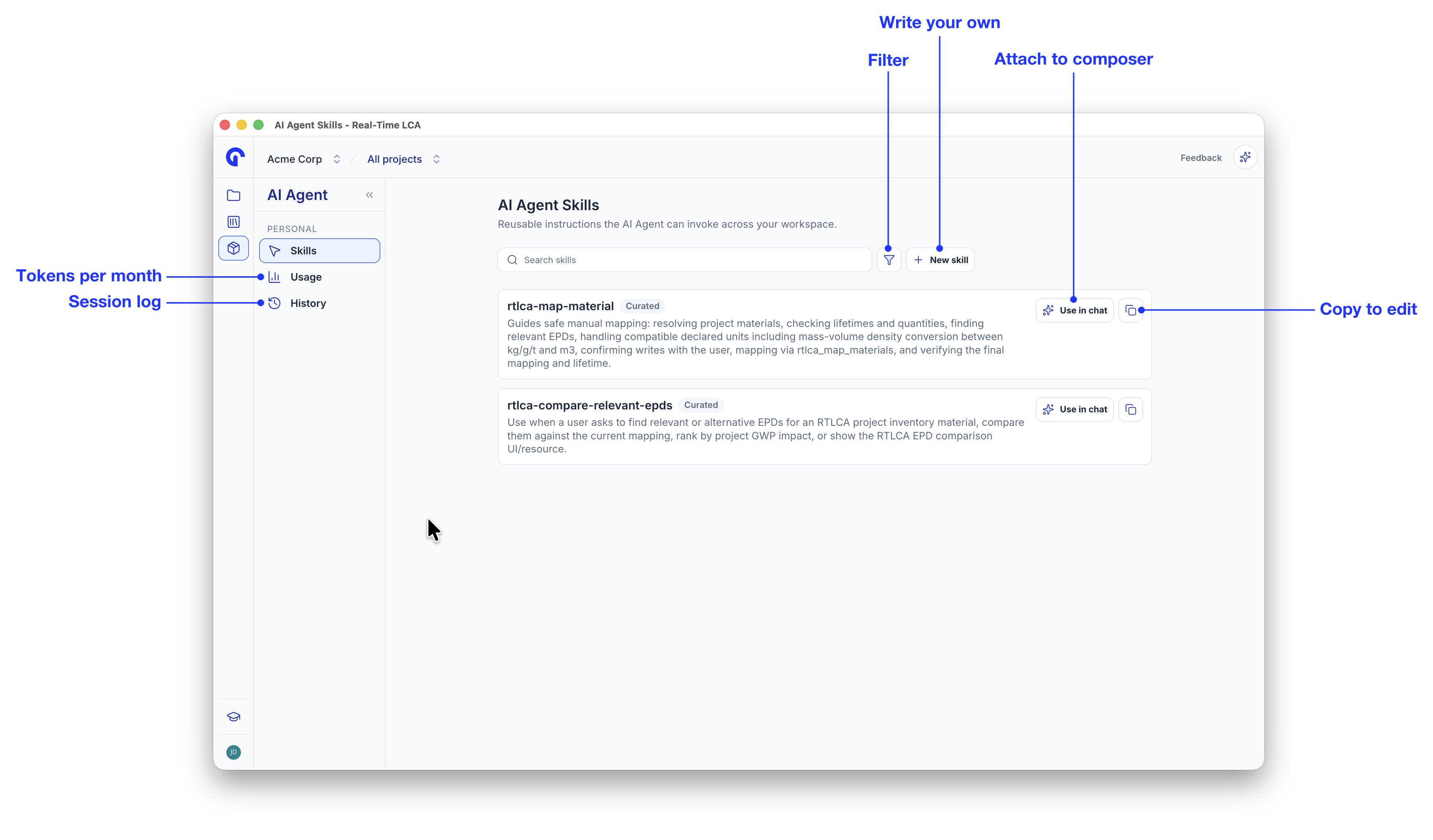
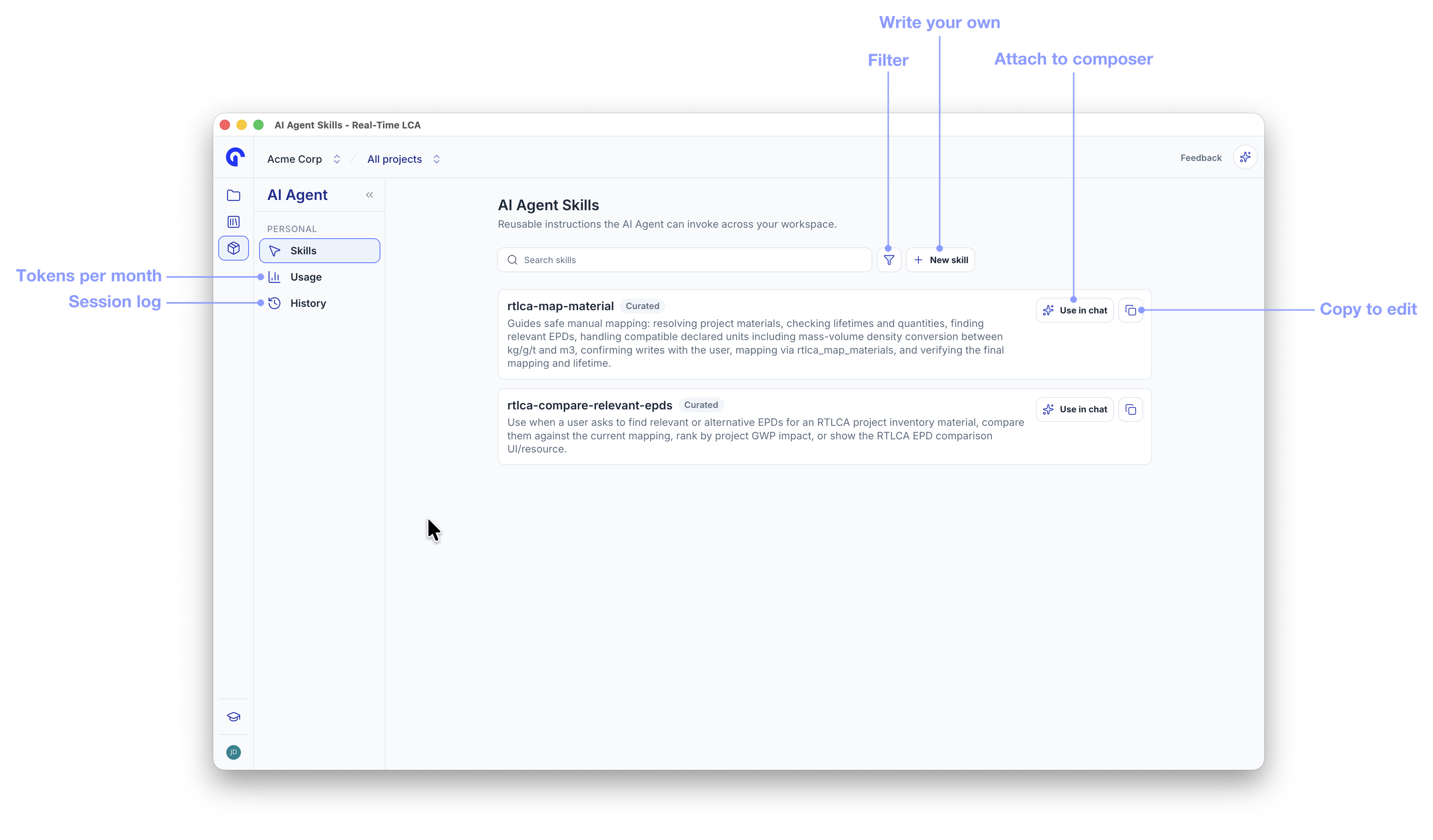
The skills library
Two curated skills ship today:
rtlca-map-material— manual, user-approved mapping of inventory materials to EPDs. See Map materials to EPDs.rtlca-compare-relevant-epds— finds alternative EPDs for a material and ranks them by project GWP impact. See Compare EPDs.
Anatomy of a skill
Open any skill to read it in full. Curated skills are read-only, but nothing is hidden — the page shows the complete instructions the agent receives.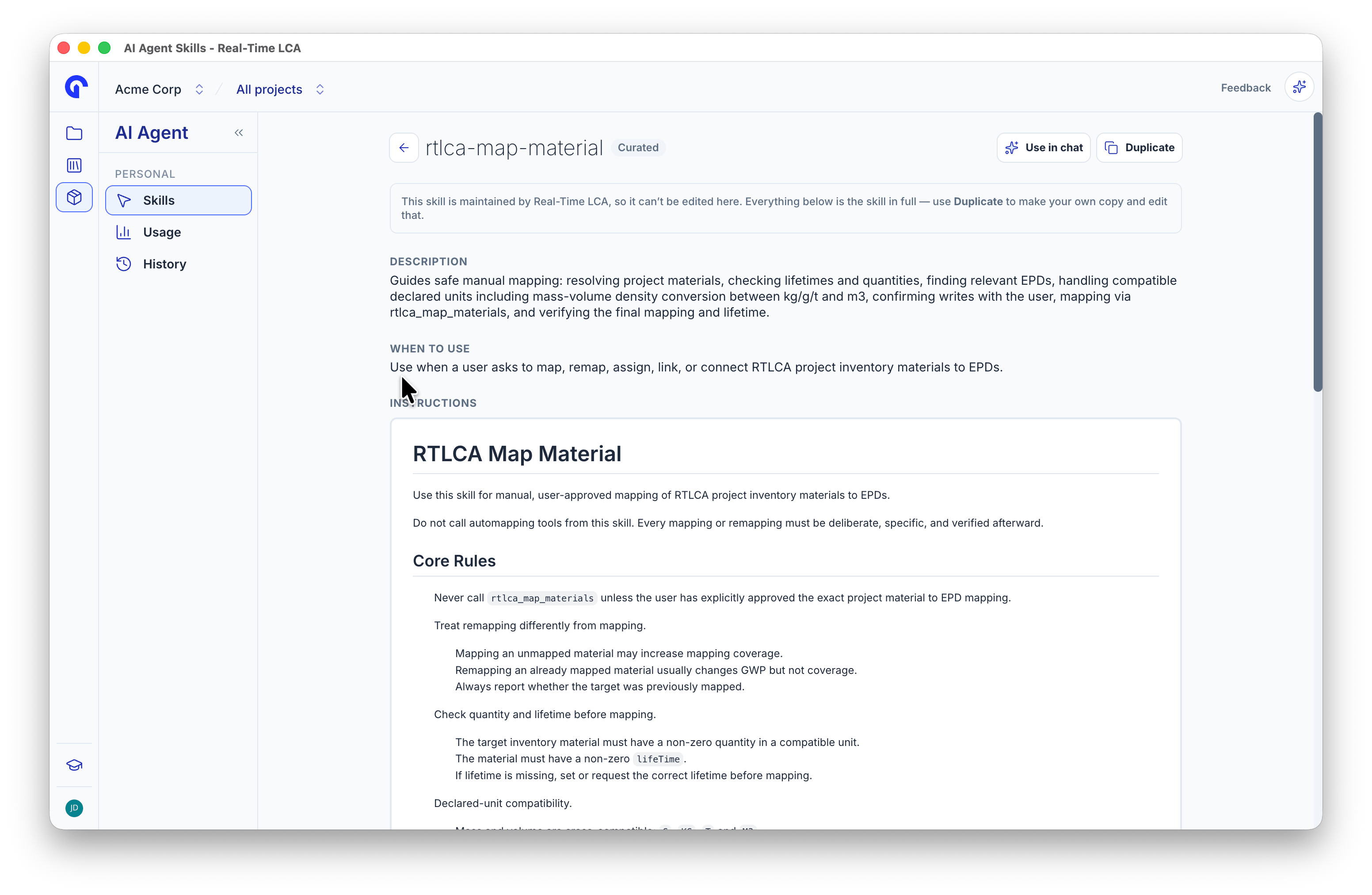
A curated skill, in full
The Skill body is where the work happens. Write it as instructions to the agent: name the tools it should call, the checks to run before writing data, and the point where it must stop for the user’s approval.
Write your own skill
The fastest start is to duplicate a curated skill and adapt it.1
Duplicate a skill
Click the duplicate icon on a skill card, or Duplicate on its detail page. You get a private copy named 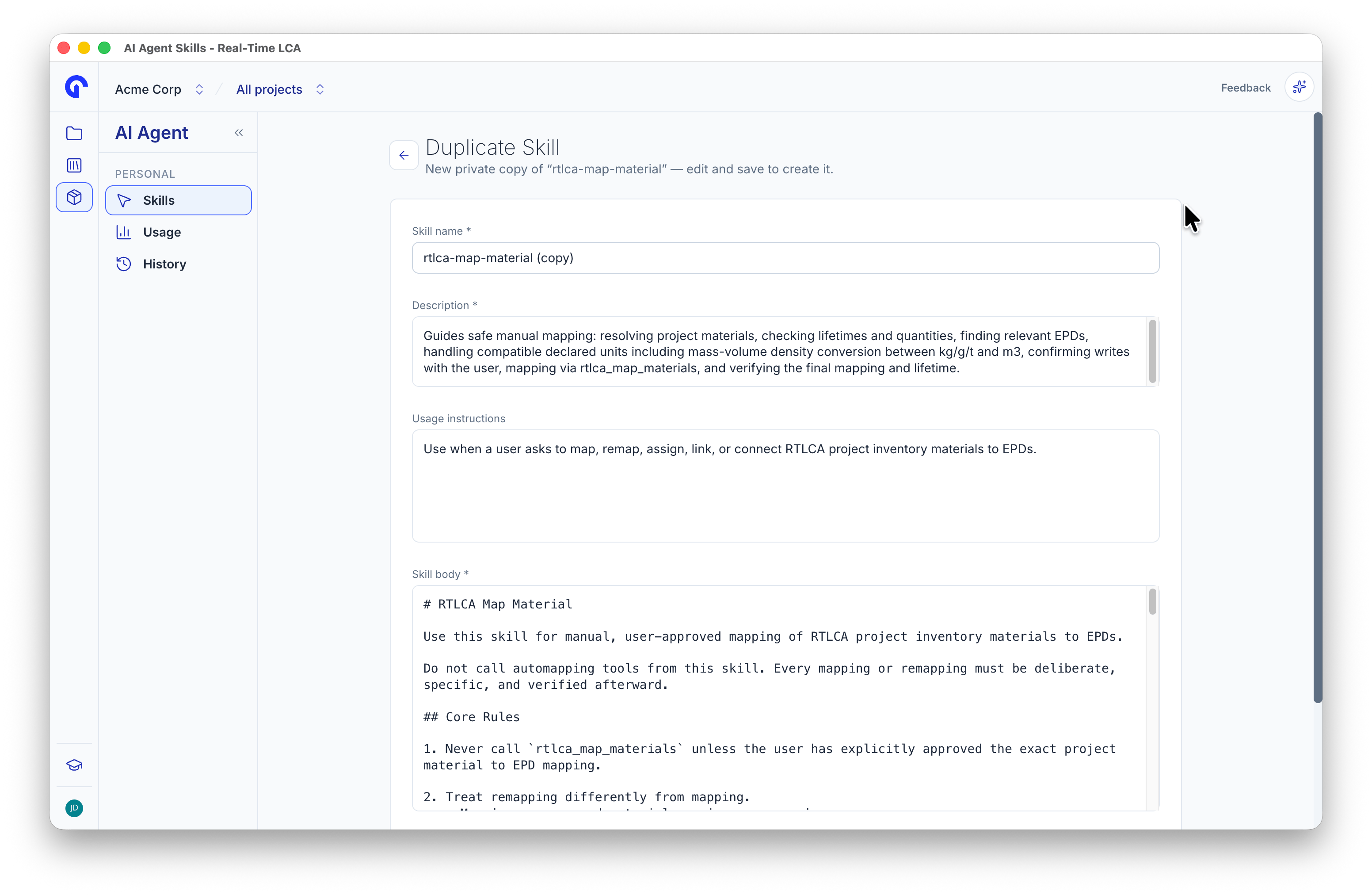
<skill> (copy) with every field pre-filled.2
Edit the fields
Rename the skill and adjust the description and body. Keep the description specific — it is what the agent reads to decide whether the skill fits.
3
Choose who can see it
Tick Share this skill with everyone in the organization to publish it to your team. Leave it unticked to keep it private.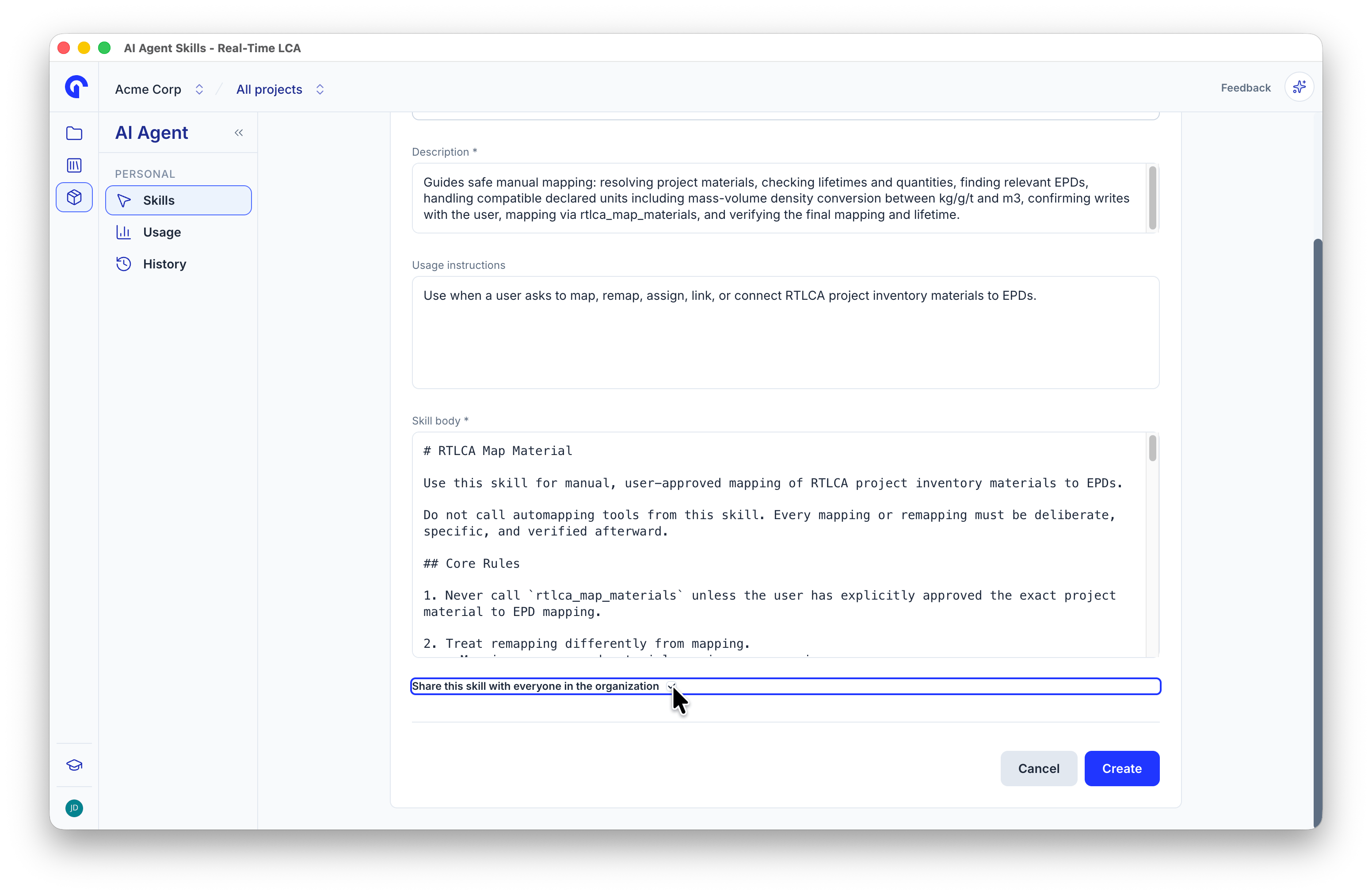
4
Click Create
The skill appears in the library with a Private or Shared badge. Skills you own also get a delete button.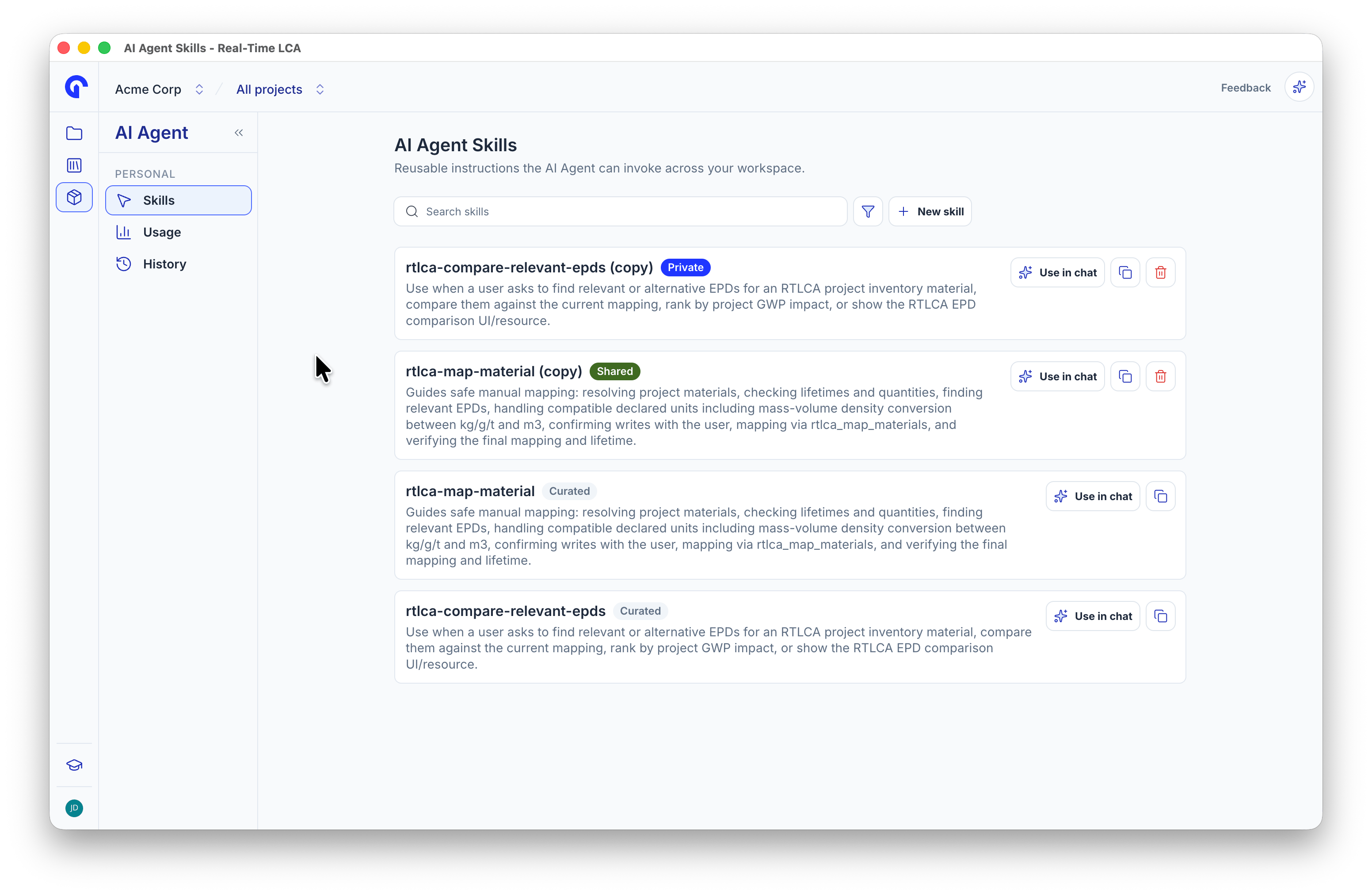
Writing guidelines
- Reference tools by their exact name. The curated skills call
rtlca_map_materialsandrtlca_compare_epdsby name, so the agent never has to guess. - Gate every write. Tell the agent to present its plan and wait for approval before any tool that changes project data. The agent still asks for Approval needed on writes, but the skill should make the decision clear before it gets there.
- State the preconditions. The mapping skill checks for a non-zero quantity, a set lifetime, and a compatible declared unit before it maps anything. Spell out the equivalent checks for your task.
- Say what not to do.
rtlca-map-materialforbids the automapping tools outright. Closing off the wrong path is as useful as describing the right one. - Define the output. Ask for a compact table, a one-line confirmation, or a short summary, so results are consistent across runs.
Run a skill
Attach a skill from Skills in the composer, or click Use in chat in the library. The skill shows as a chip above your message.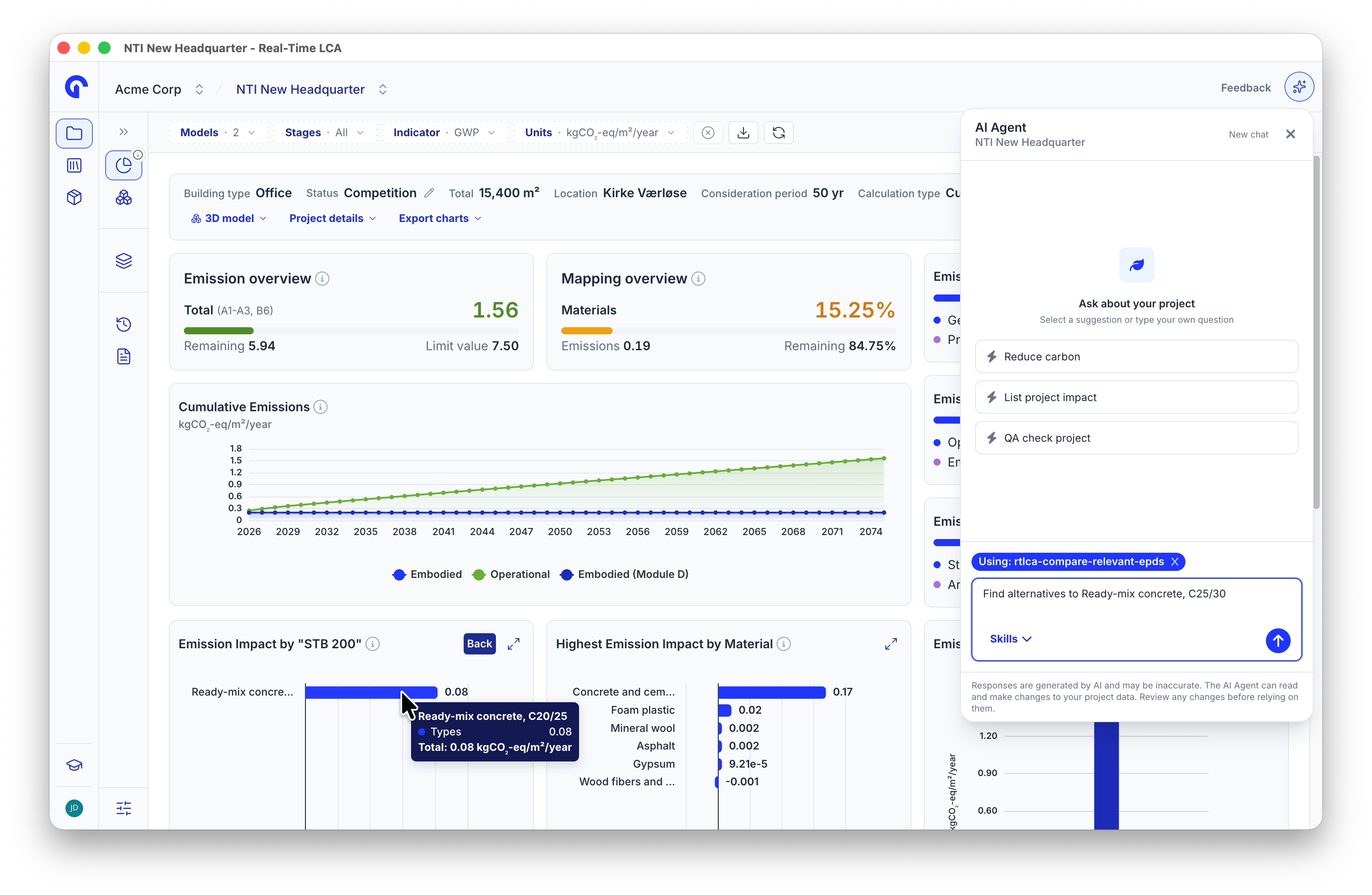
A skill attached to the composer
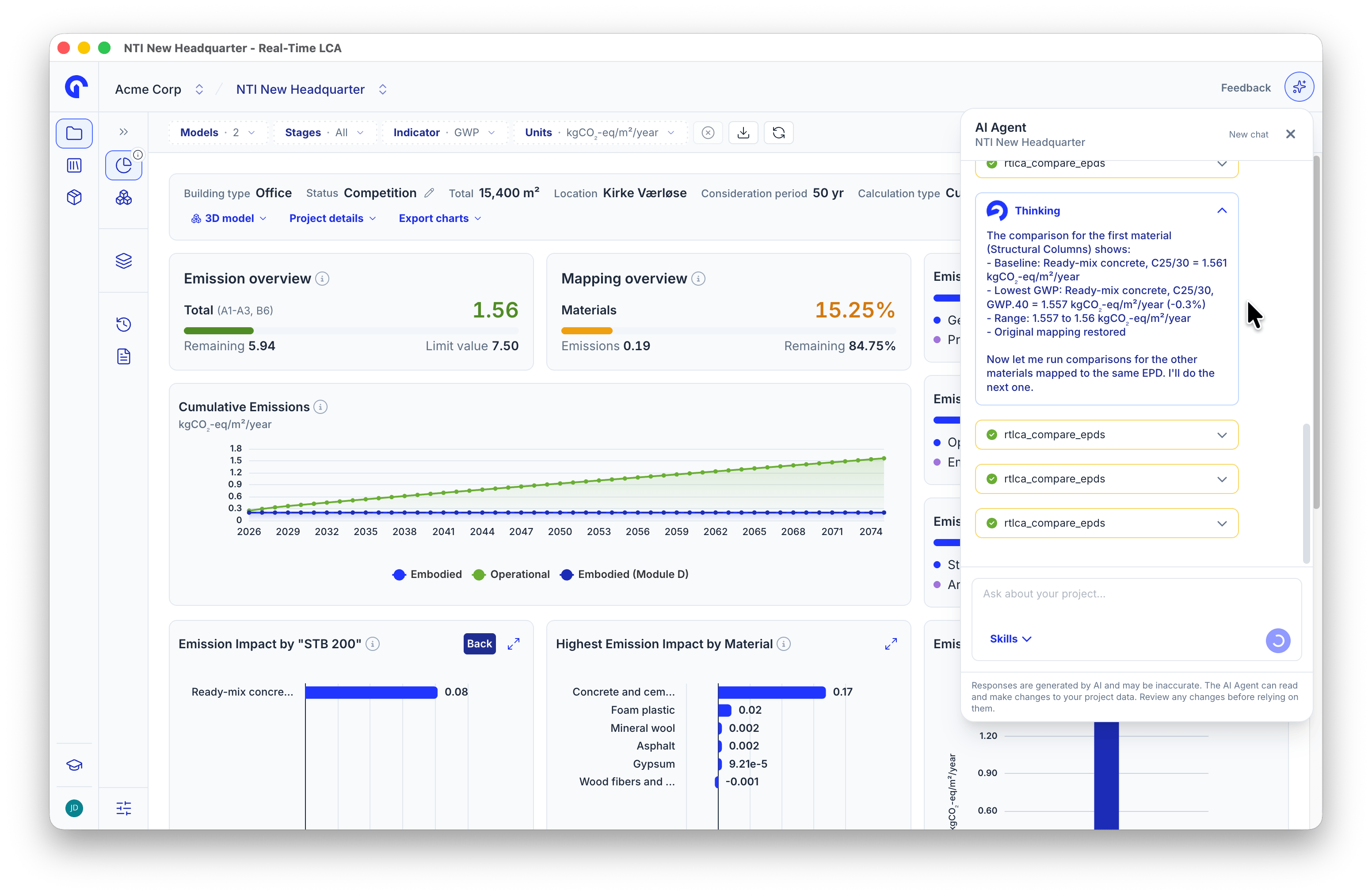
Tool calls made by the skill
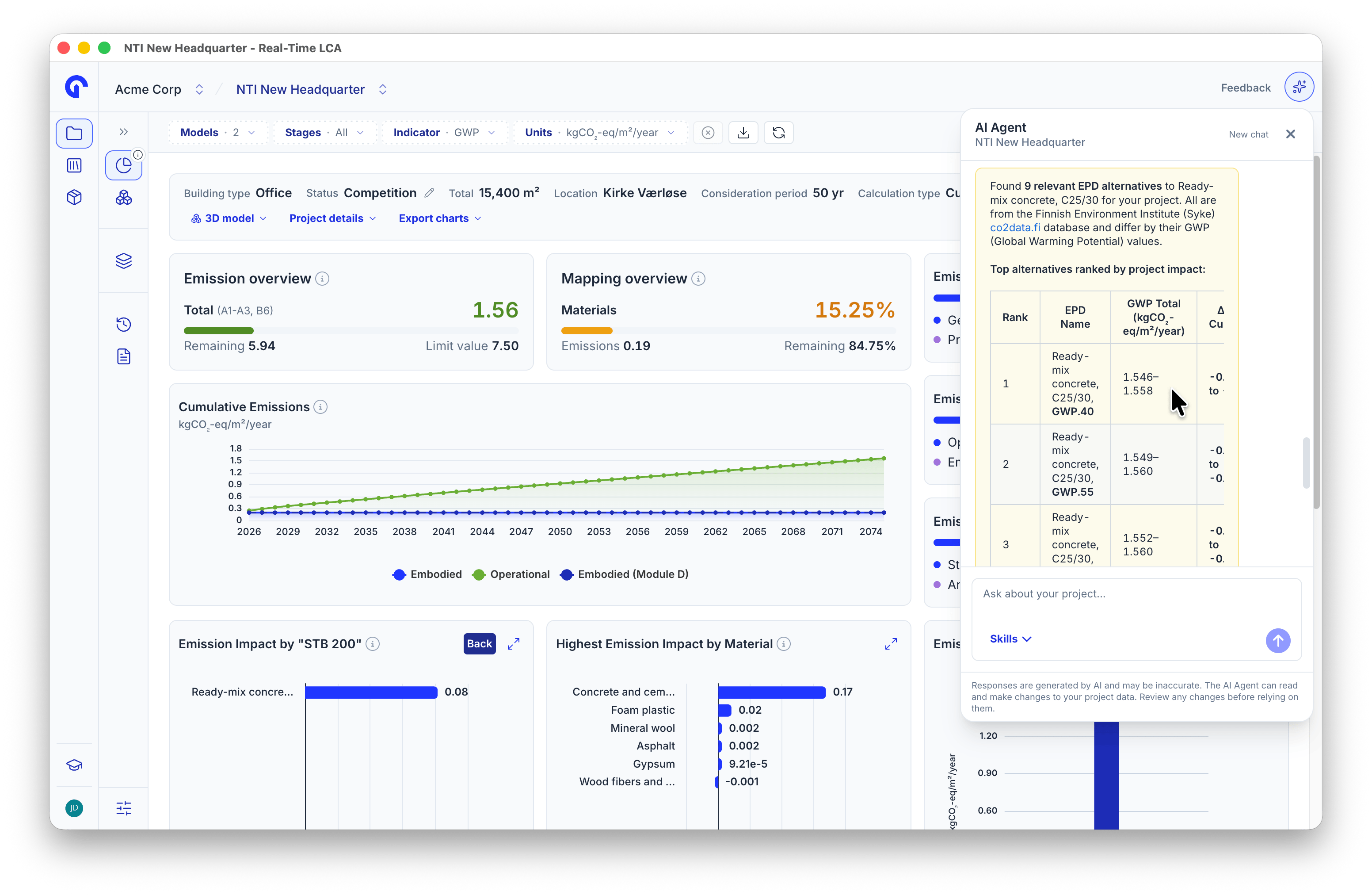
The result, formatted as the skill specifies