> ## Documentation Index
> Fetch the complete documentation index at: https://docs.realtimelca.com/llms.txt
> Use this file to discover all available pages before exploring further.
# Materials
> Single products and EPDs available to your projects.
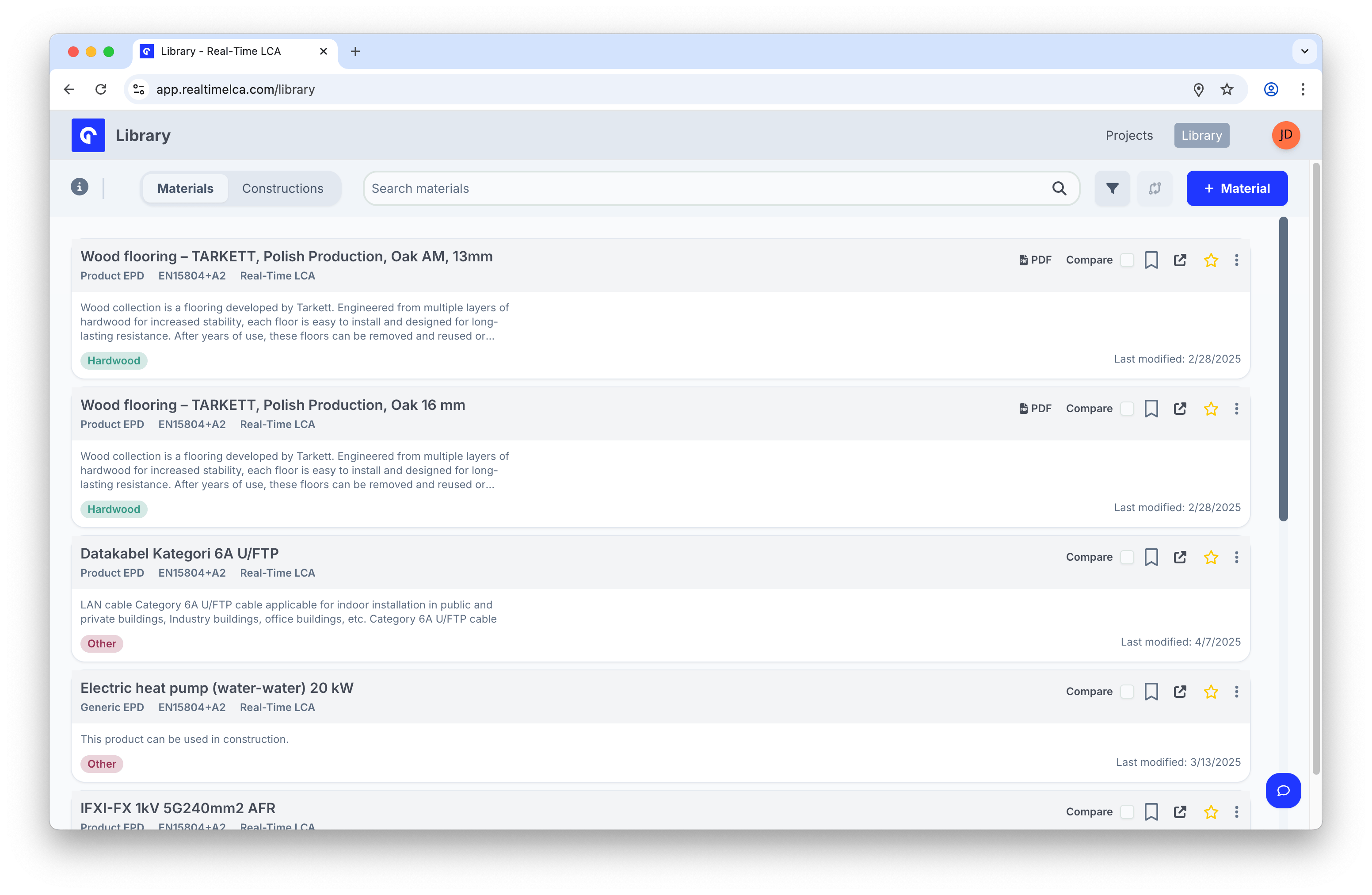
A **material** in Real-Time LCA is a single product backed by environmental data — typically an EPD (Environmental Product Declaration). The Materials tab in the Library lists every material you can pull into a project from your organization, the public Real-Time LCA dataset, and any other sources connected to your workspace.
 ## In this section
View, inspect, search, filter, compare, clone, and favorite.
Group materials your team reuses across projects.
Add a verified EPD or a custom non-verified material.
## In this section
View, inspect, search, filter, compare, clone, and favorite.
Group materials your team reuses across projects.
Add a verified EPD or a custom non-verified material.